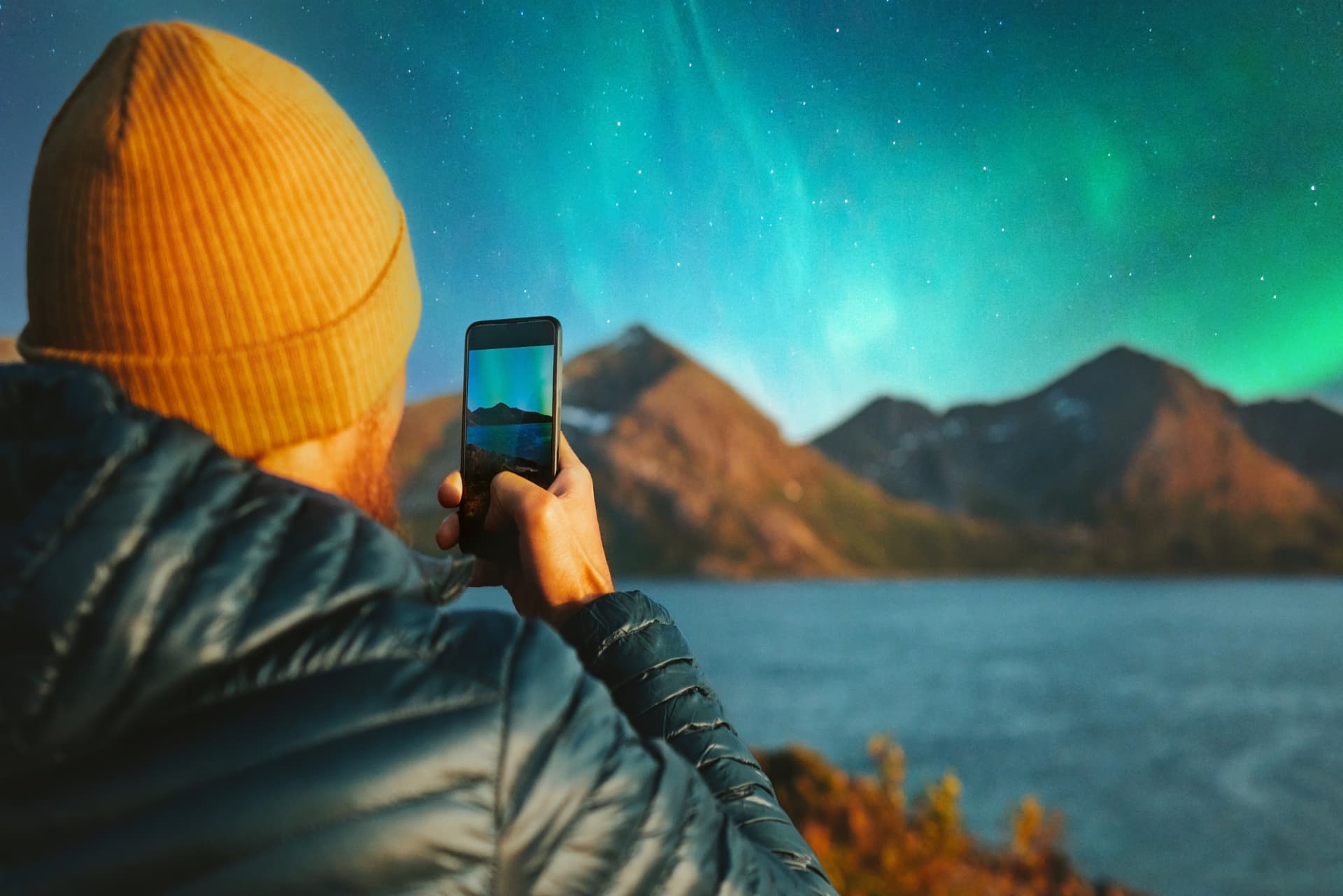
When we're out in the field, it's not unusual to see people unpacking big, heavy, and expensive cameras. But here's the good news: you don't need an expensive camera to photograph the Northern Lights. Your smartphone might be all you need!
However, a little preparation can make a big difference when it comes to getting the best possible photos. We've put together this guide to help you make the most of your phone's camera. It might even save you some money and make your trip easier. After all, perhaps it's better to invest in a higher-quality Northern Lights tour rather than spending hundreds or thousands on a camera you'll rarely use.
Modern iPhones and Android phones have surprisingly powerful night photography capabilities. With the right settings, a little patience, and a few simple tricks, you can take beautiful photos of the Aurora Borealis using the phone already in your pocket.
Here's how to get the best Northern Lights photos during your Arctic adventure.
1. Use Night Mode on Your Phone
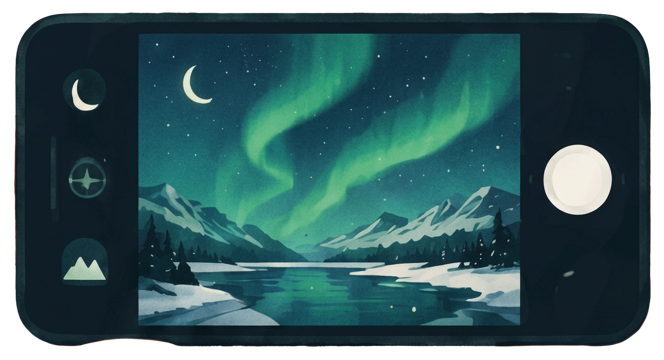
The most important feature for photographing the Northern Lights with your smartphone is Night Mode.
Night Mode allows your phone to capture more light in dark environments by using longer exposures and computational photography. This helps reveal the colors and shapes of the aurora that might otherwise appear faint in a regular photo.
For iPhone users: Open the Camera app and look for the Night Mode icon (a moon symbol), which appears on supported models in low light. You can adjust the exposure duration when the feature is available.
For Android users: Look for Night Sight, Night Mode, or a similar feature in your camera app. Google Pixel and Samsung Galaxy phones, for example, offer night photography features, although the exact options vary by model.
Try taking a few test photos to see how your phone responds to the darkness.
2. Keep Your Phone Completely Still
One of the biggest challenges when photographing the Northern Lights is keeping your phone steady.
Night photography often requires longer exposure times. Even the smallest movement can make your image blurry.
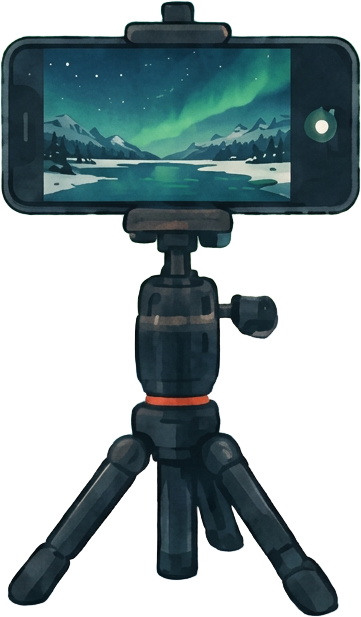
A small smartphone tripod is one of the best accessories you can bring on a Northern Lights tour.
If you don't have a tripod, try resting your phone against a rock, backpack, or another stable surface.
You can also activate your phone's camera timer, giving yourself a few seconds to remove your hands before the photo is taken.
3. Adjust the Exposure for Better Northern Lights Photos
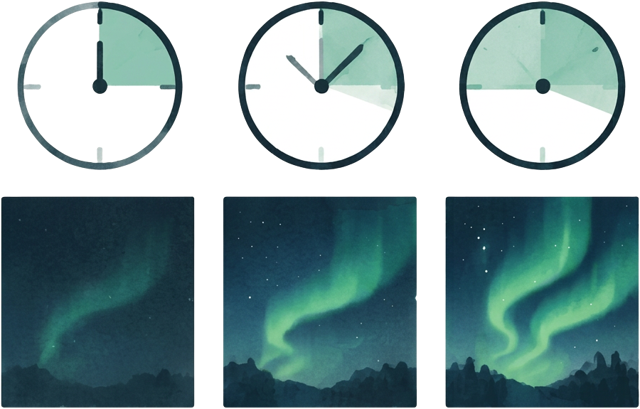
The Northern Lights are constantly changing. Sometimes they appear as faint green clouds, while other times they move rapidly across the sky in bright, colorful waves.
Your phone's automatic settings won't always capture these differences perfectly.
When using Night Mode, experiment with the exposure duration.
Suggested exposure times:
These are approximate starting points if your phone supports exposure adjustments. Some phones choose the duration automatically, and not all models allow you to select an exact exposure time.
Longer exposures can help capture faint lights, but they may also blur the beautiful shapes of a fast-moving aurora.
Experiment with different settings and check your results.
Bright, fast-moving aurora
1–3 seconds
Moderate aurora activity
3–5 seconds
Faint or slow-moving aurora
5–10 seconds or longer
4. Avoid Using Zoom
When the Northern Lights appear, it's tempting to zoom in to capture the colorful details.
However, digital zoom often reduces image quality, especially in low-light conditions.
Instead, use your phone's main camera at its standard 1x setting.
This camera generally has better low-light performance than the ultra-wide or telephoto lenses on many smartphones.
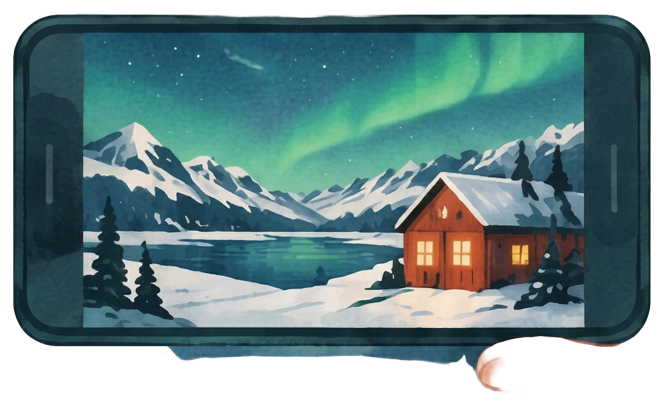
Try including mountains, trees, cabins, or snowy landscapes in your photograph. These elements create depth and make your Northern Lights photos more interesting.
5. Focus on the Sky
Smartphone cameras sometimes struggle to focus correctly in darkness.
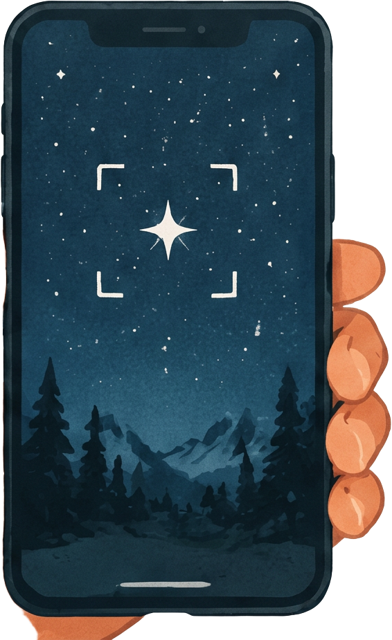
If your Northern Lights photographs appear blurry, try tapping on a bright star, the moon, or a distant illuminated object on your screen to help your phone focus.
On phones with manual focus controls, you can adjust the focus toward infinity.
Avoid focusing on nearby objects unless they are an intentional part of your composition.
Remember to check the results by zooming into your photograph after taking it.
6. Use Your Phone's Pro Mode if Available
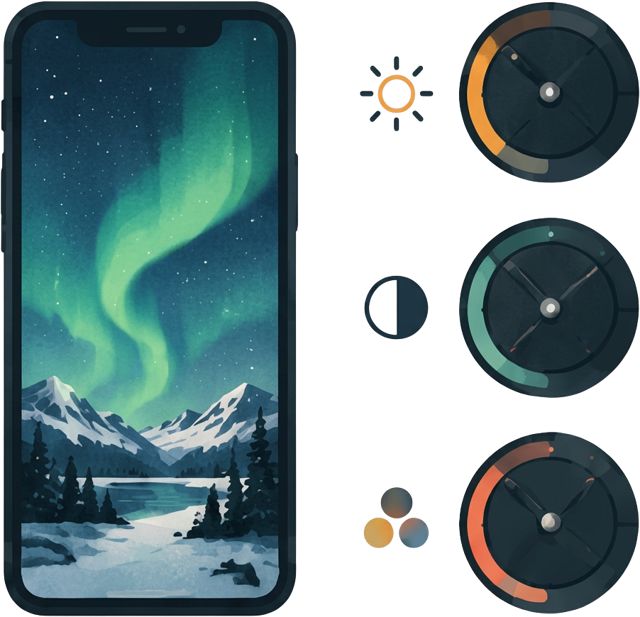
Some Android phones and third-party camera apps offer manual camera controls, often called Pro Mode or Manual Mode.
These settings give you greater control over your Northern Lights photographs.
If your phone supports them, try the following starting settings:
These settings are not universal. You may need to adjust them depending on the brightness of the aurora and your phone's camera capabilities.
If your phone doesn't have manual controls, don't worry. Night Mode can still produce excellent results.
ISO
800–1600
Shutter speed
3–8 seconds
Focus
Manual, near infinity
White balance
Around 3500–4500K
File format
RAW, if available
7. Find a Dark Location Away from City Lights
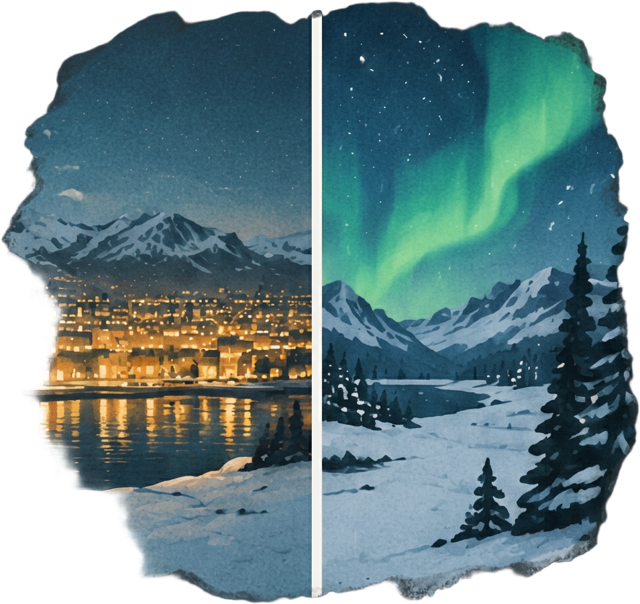
Even the best smartphone camera will struggle if there's too much artificial light around you.
Streetlights, car headlights, and illuminated buildings can make it difficult to capture the subtle colors of the Northern Lights.
For the best results, find a location away from strong artificial lighting with a clear view of the sky.
Northern Norway offers many beautiful places for aurora photography, including Tromsø, Senja, Alta, and the Lofoten Islands.
However, you don't always need to travel far into the wilderness. Strong Northern Lights can sometimes be photographed from locations closer to towns, provided you have a relatively dark view of the sky.
8. Clean Your Phone Lens Before Taking Photos
This might sound obvious, but it's one of the easiest tips to forget.
Your smartphone spends much of its time in your pocket, collecting fingerprints, dust, and moisture.
When photographing bright lights against a dark sky, even a small smudge can create unwanted glare or blurry areas.
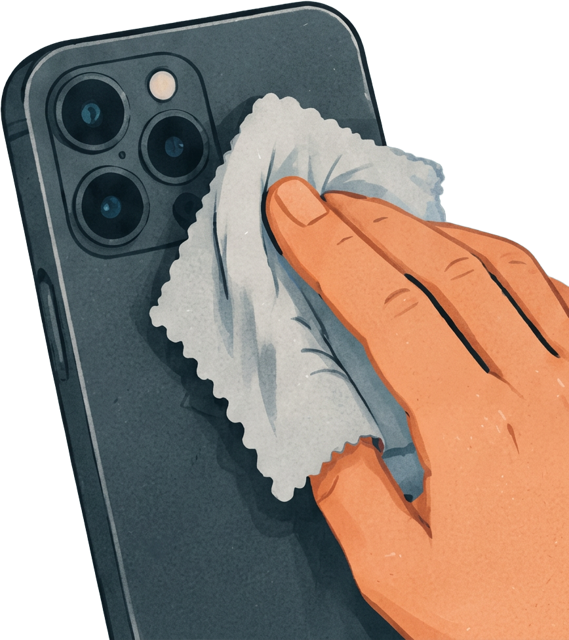
Before taking your Northern Lights photographs, gently wipe the lens with a clean microfiber cloth.
Also, keep an eye out for condensation or frost when using your phone in cold Arctic temperatures.
9. Keep Your Phone Warm in Arctic Conditions
Northern Lights photography often means standing outside in freezing temperatures.
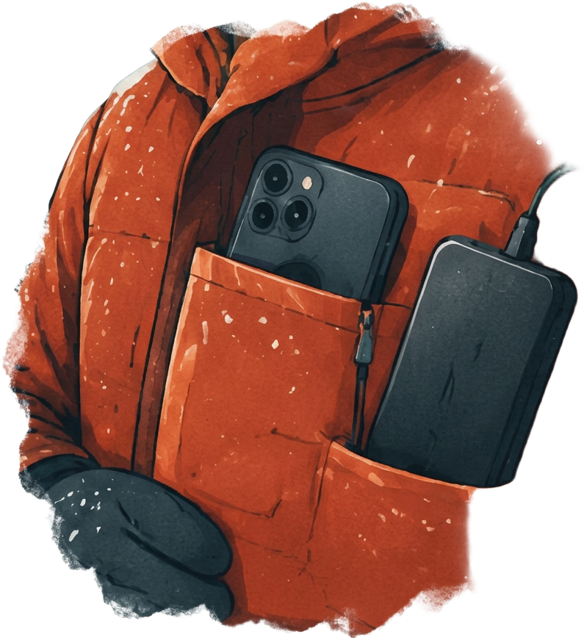
Cold weather can affect your smartphone's battery life and performance, especially during long photography sessions.
Keep your phone in an inside jacket pocket when you're not using it, and bring a power bank if you plan to spend several hours outdoors.
If you're using a tripod, only take your phone out when you're ready to photograph.
Avoid exposing a very cold phone to sudden warmth and humidity, which can cause condensation.
10. Edit Your Northern Lights Photos for the Best Results
Sometimes your Northern Lights photographs may look a little darker or less colorful than you expected.
A few simple edits can make a big difference.
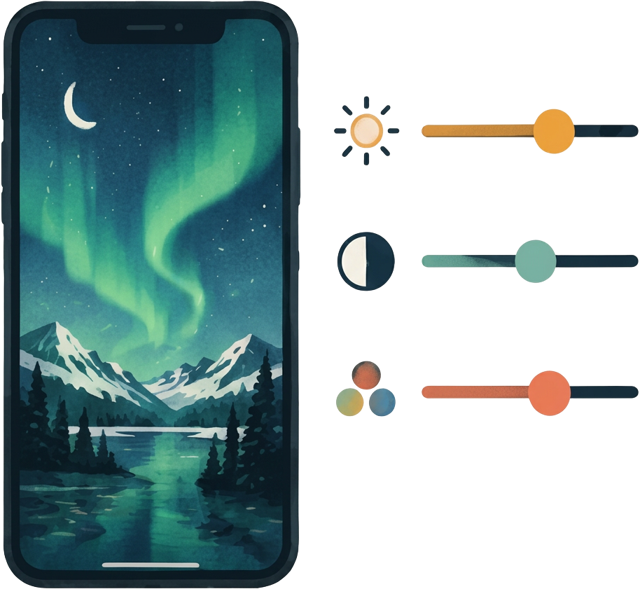
You can use your phone's built-in editing tools or apps such as Adobe Lightroom and Snapseed.
Try gently increasing brightness and contrast, adjusting the white balance, and reducing digital noise if necessary.
Be careful not to overdo the saturation. The natural colors of the aurora are often more beautiful than heavily edited images.
The goal is to bring out the atmosphere of the moment while keeping the photograph realistic.
11. Remember to Enjoy the Northern Lights
It's easy to become so focused on taking the perfect photograph that you forget to enjoy what's happening above you.
The Northern Lights are unpredictable. They can appear suddenly, dance across the sky for a few minutes, and disappear just as quickly.
Take a few photos, experiment with your settings, and then put your phone away for a moment.
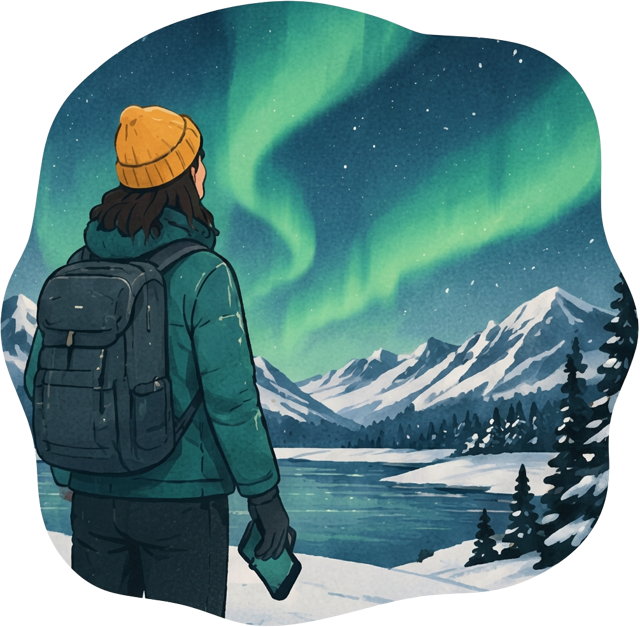
Watch the colors move, enjoy the silence of the Arctic landscape, and experience the magic with your own eyes.
After all, some moments are best remembered without a screen.
The Experience Is What Matters
It's easy to get caught up in trying to capture the perfect Instagram photo or something special for the family album. But at the end of the day, the experience itself is what really matters.
Seeing the Northern Lights is something you don't easily forget. For many people, it's a once-in-a-lifetime experience, and those memories will stay with you long after you've returned home.
A little preparation can go a long way. Learn the basics of your phone's camera, think about what matters most to you, and try not to put too much pressure on yourself to get the perfect shot.
And remember, if you're travelling during the Northern Lights season, you might even be lucky enough to see them more than once.
So take some photos, enjoy the moment, and don't forget to look up.
Ready to pick a place?
Every destination page shows tonight's aurora outlook calculated from its own coordinates.
Explore destinations